 Shield SquadShield Squad
Keep your child's Android device safer online. Shield Squad blocks adult, gambling and harmful sites, and turns staying safe into a daily game.
Coming soon to Google PlayProtection that runs quietly in the background, with parents in control.
Adult, gambling, malware and phishing sites are blocked for good. Parents can't switch it off by accident.
One tap on the help button and parents get an email alert.
If something safe is blocked, kids can ask, and parents decide what to allow.
If protection is turned off on the device, parents are emailed right away.
Settings are locked behind a 6-digit PIN with lockout after repeated wrong tries.
Filtering runs on the device. Your child's browsing history is not uploaded.
A short online-safety adventure every day, made for a range of ages. Friendly, quick and never scary.
Short questions and a quick mini game teach children how to spot fake links, pop-ups and unsafe chats.
Questions mix words with pictures of web addresses, chat bubbles, pop-ups and app cards, all made up for the app.
Quick, friendly games keep learning fun, with more on the way.
Which web address looks fake?
Fake address bars
Should you answer?
Pretend chat bubbles
What do you do?
Pop-ups
Example questions made up for this page. In the app, picture questions use invented apps and made-up .example addresses. No real brands or links.
Children play every chapter and their progress is saved. If your family upgrades later, rewards already reached unlock.
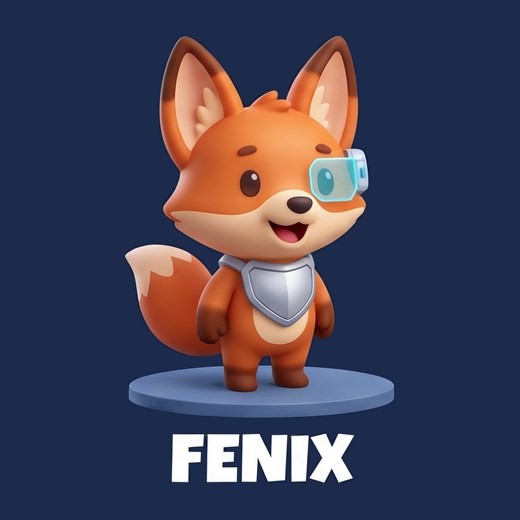
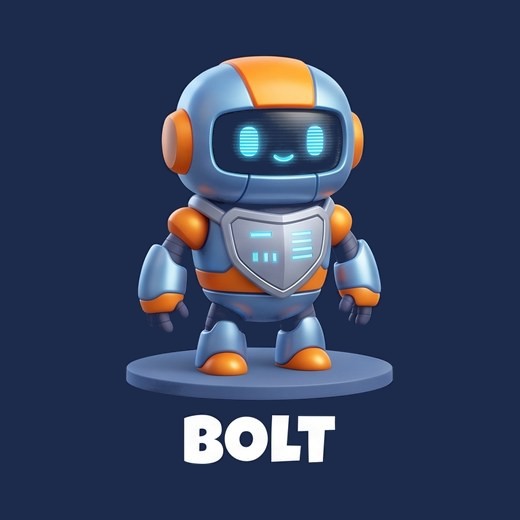
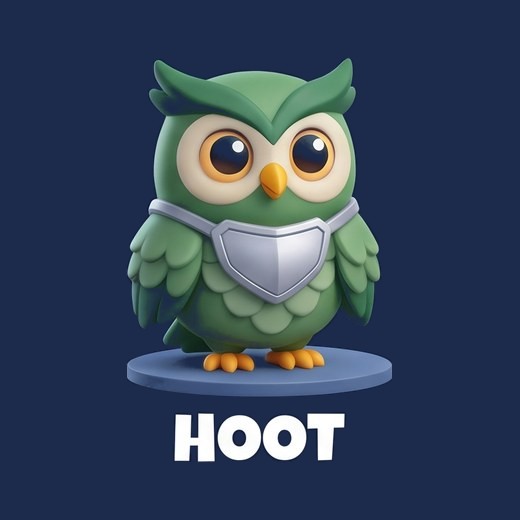
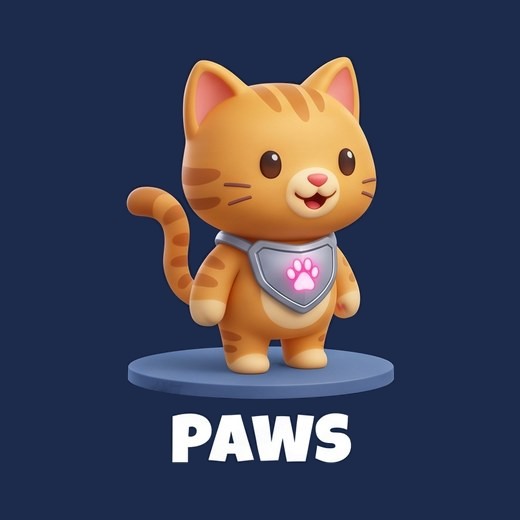
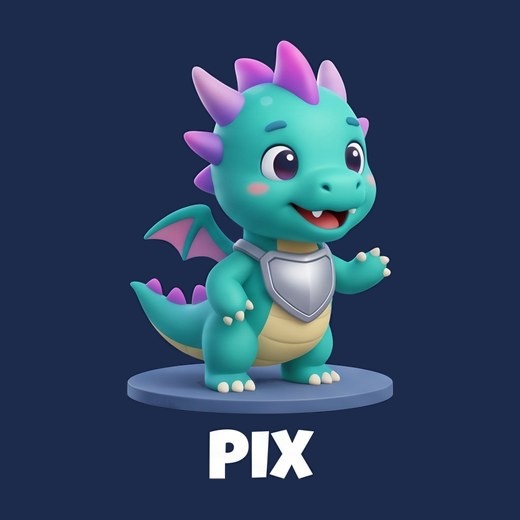
Finishing daily chapters unlocks rewards, including new squad characters. Your child chooses when to switch them on.
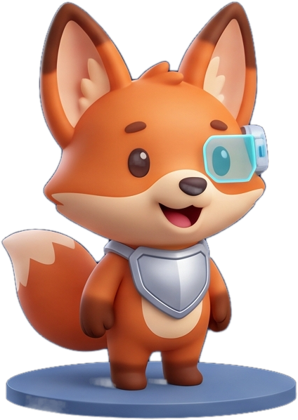
Fenix is every child's starter. With Gold, finishing daily Cyber Quest chapters can unlock the rest of the squad.